 TalkTap
Talk face to face
One phone between you, each in your own language. Every line is translated for the other person and can be read aloud.
Try a conversation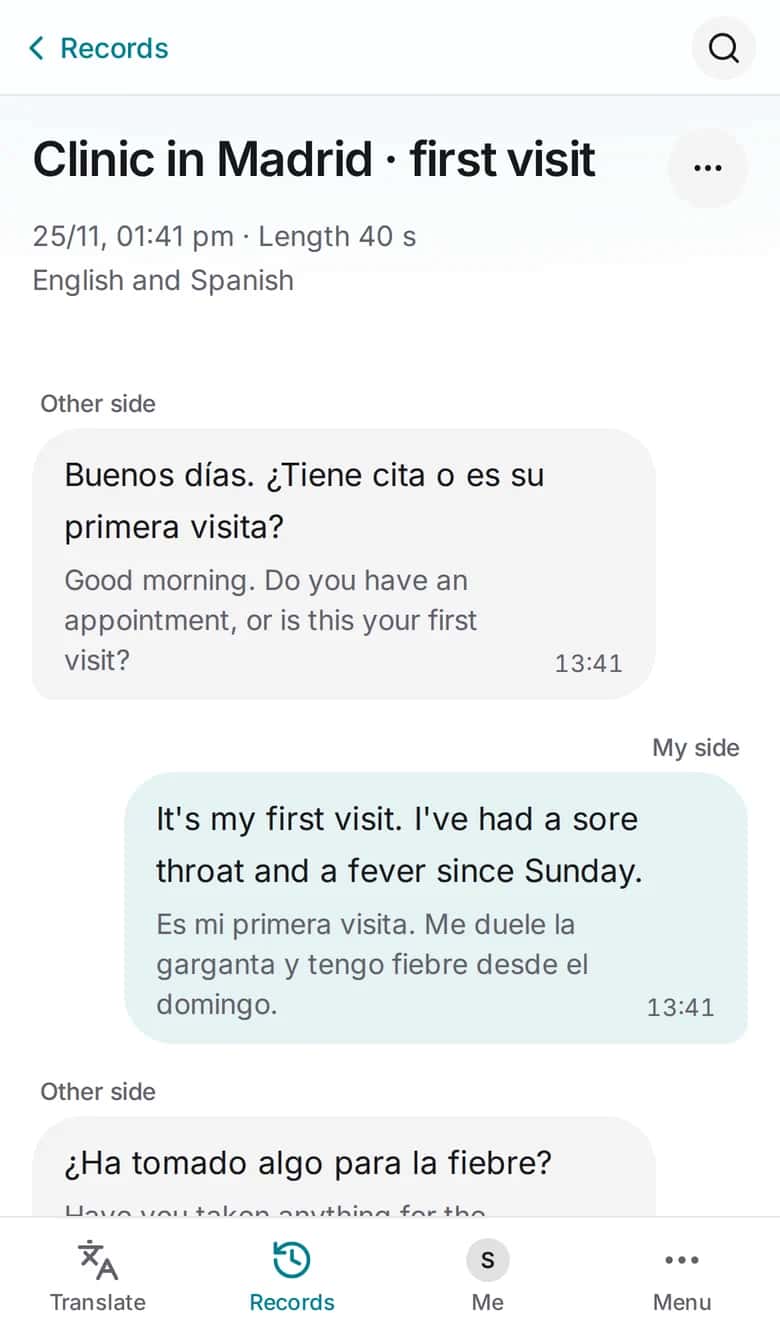
Each of you speaks your own language. TalkTap translates in a second or two and reads it aloud.
Language heard
Translate into
Tap the button below, and what people around you say appears here, translated.
No sign-up: 5 minutes a day on each device. The microphone is used only after you press start.
One phone between you, each in your own language. Every line is translated for the other person and can be read aloud.
Try a conversationA talk, a class, a guided tour or an announcement, translated line by line on your screen.
Try listening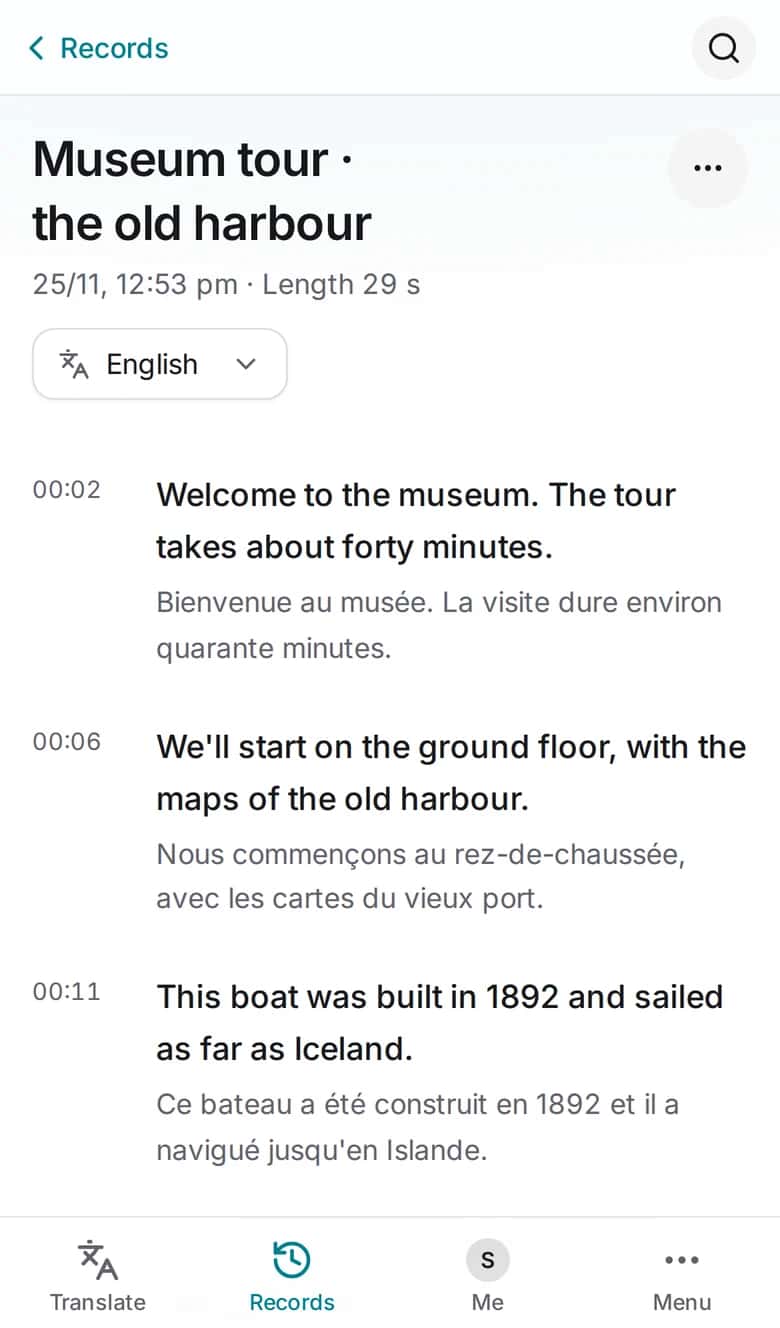
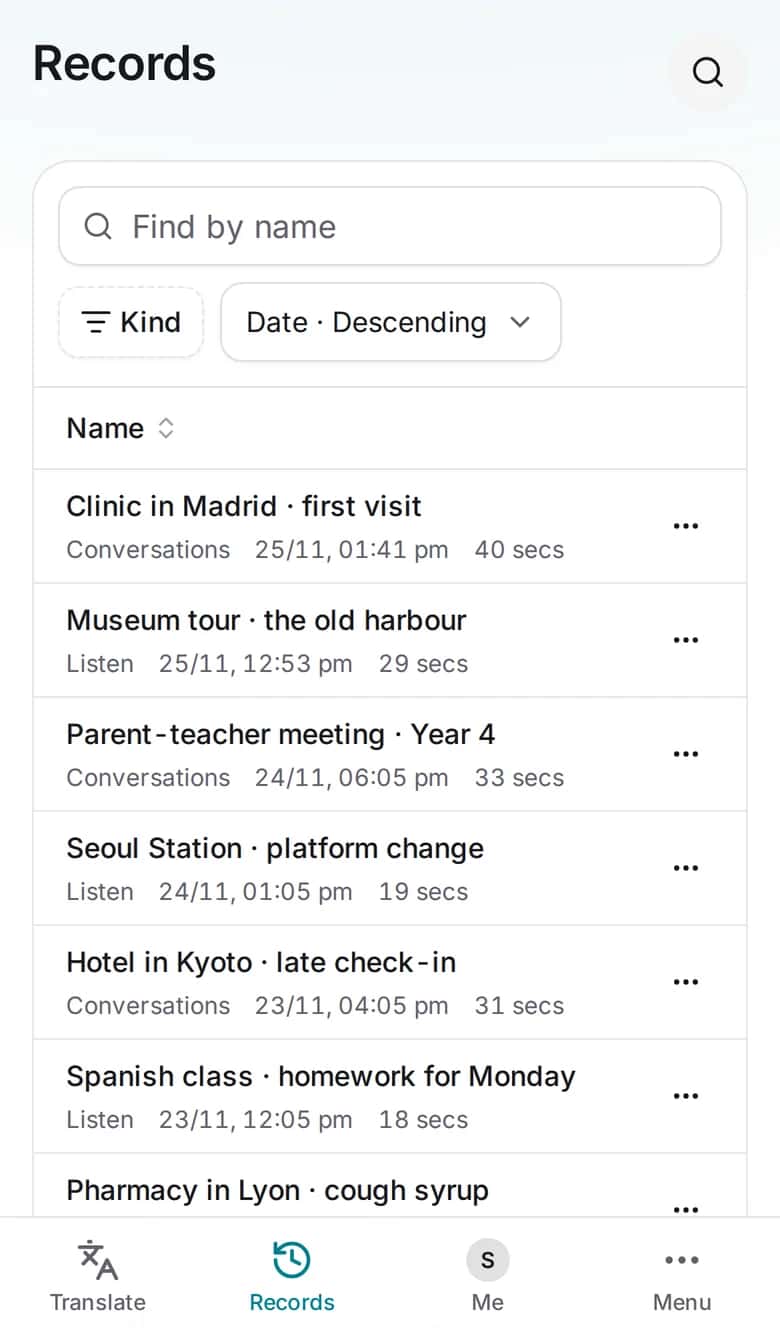
With an account, every conversation and talk can be read again, searched or deleted.
Go to talktap.app on a phone or computer. Nothing to install.
Yours and theirs, from more than 60.
Either of you can begin. The translation appears at once and is read aloud.
Each time, you decide whether to keep the sound.
Records live in your own account.
Any record is gone with one tap.
Once a day per device, up to three devices per network
Plus 2,000 characters of text translation a day
Try it nowcharacters of text translation a month
Keep your conversations. Need more time? Write to us.
The time TalkTap is listening, from when you start until you pause or end; paused time is not counted. A conversation between two languages counts once; when a talk is translated into several languages at the same time, each further language counts again.
A phone or computer with a browser and a microphone. Nothing to install; the caption window for Mac and Windows is optional.
60 languages, and you can switch between them in the middle of a conversation.
Only you. Speech and text are sent to the services that recognise and translate them, and you can delete a record at any time.